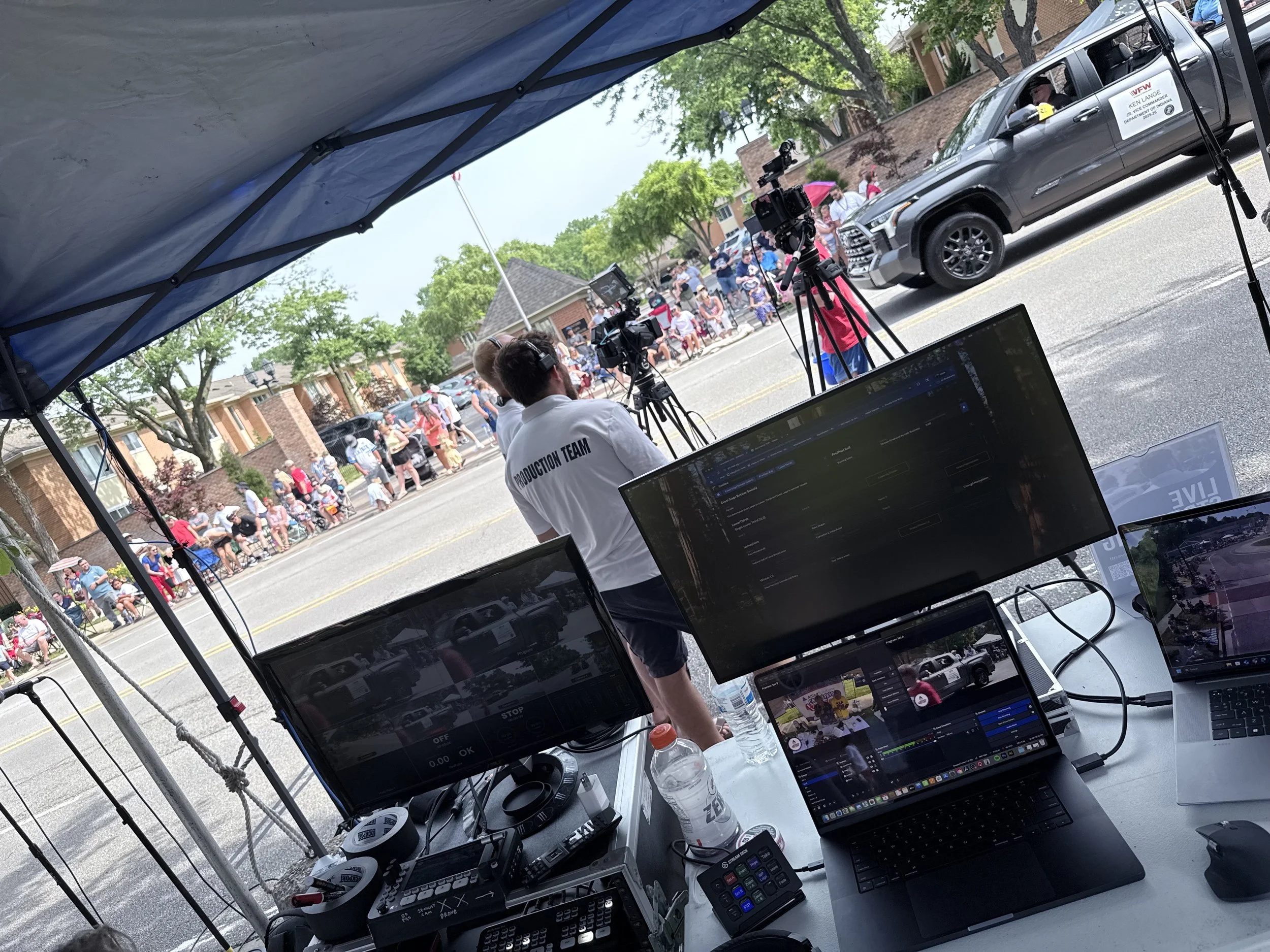
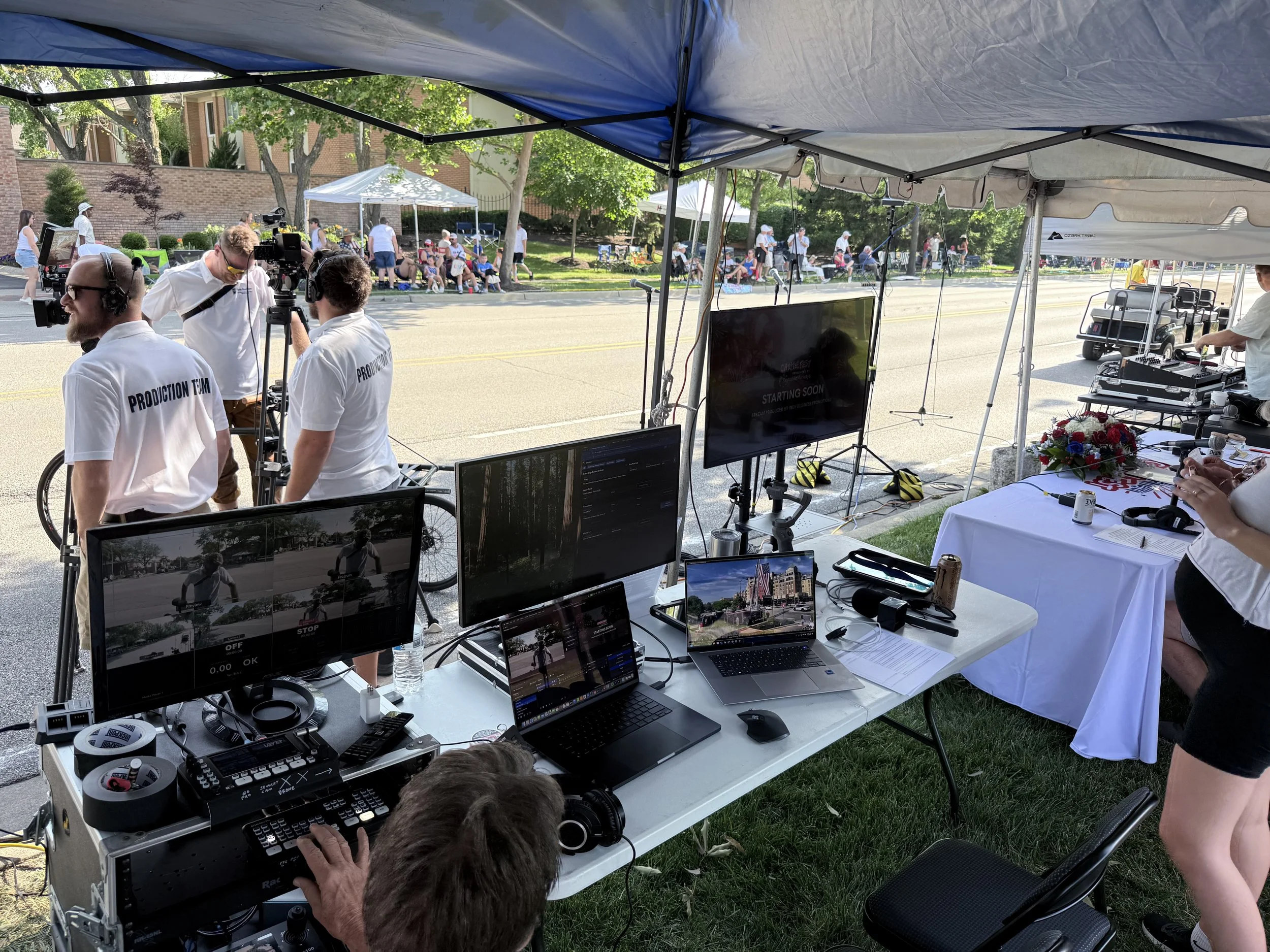
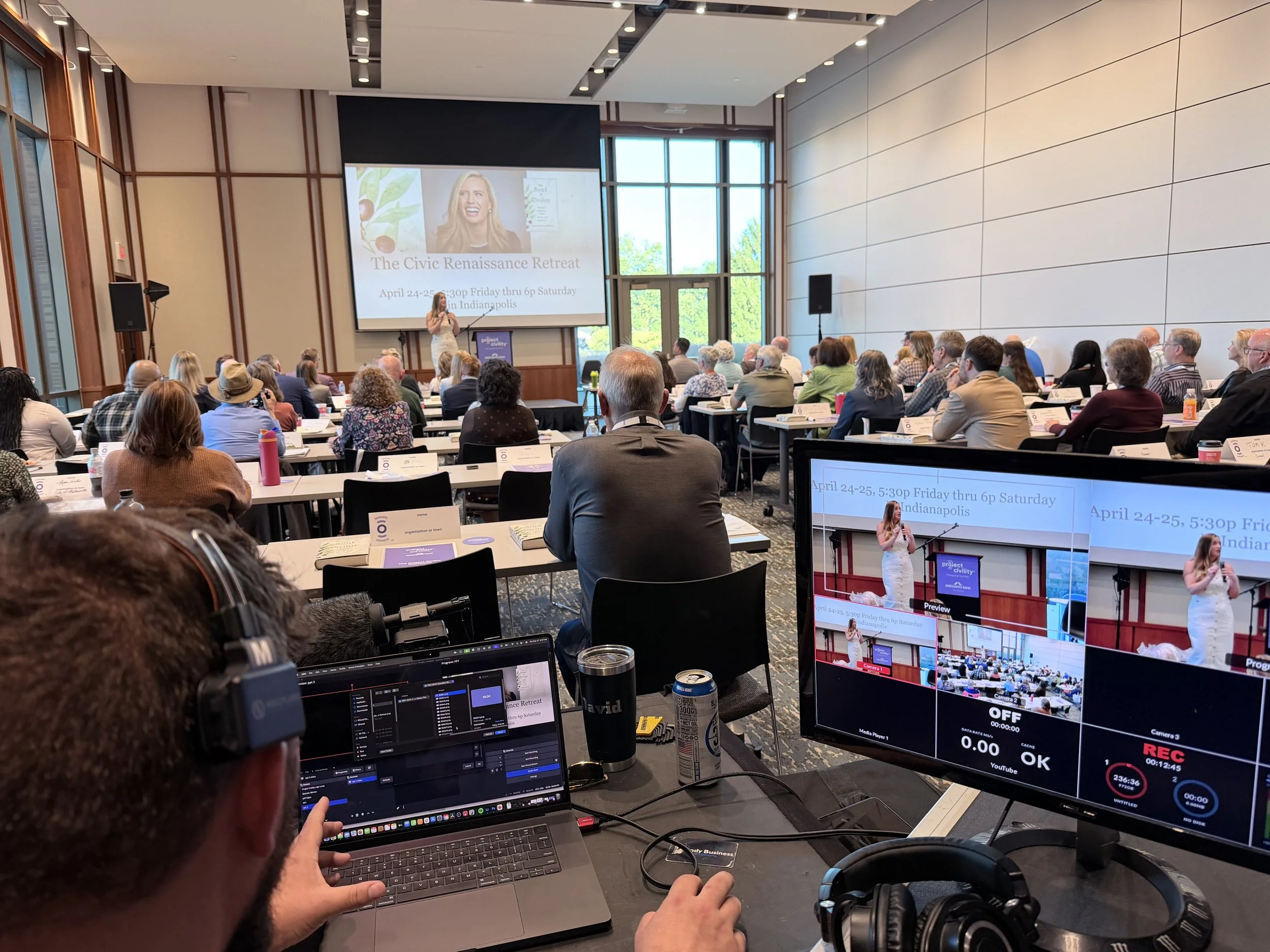
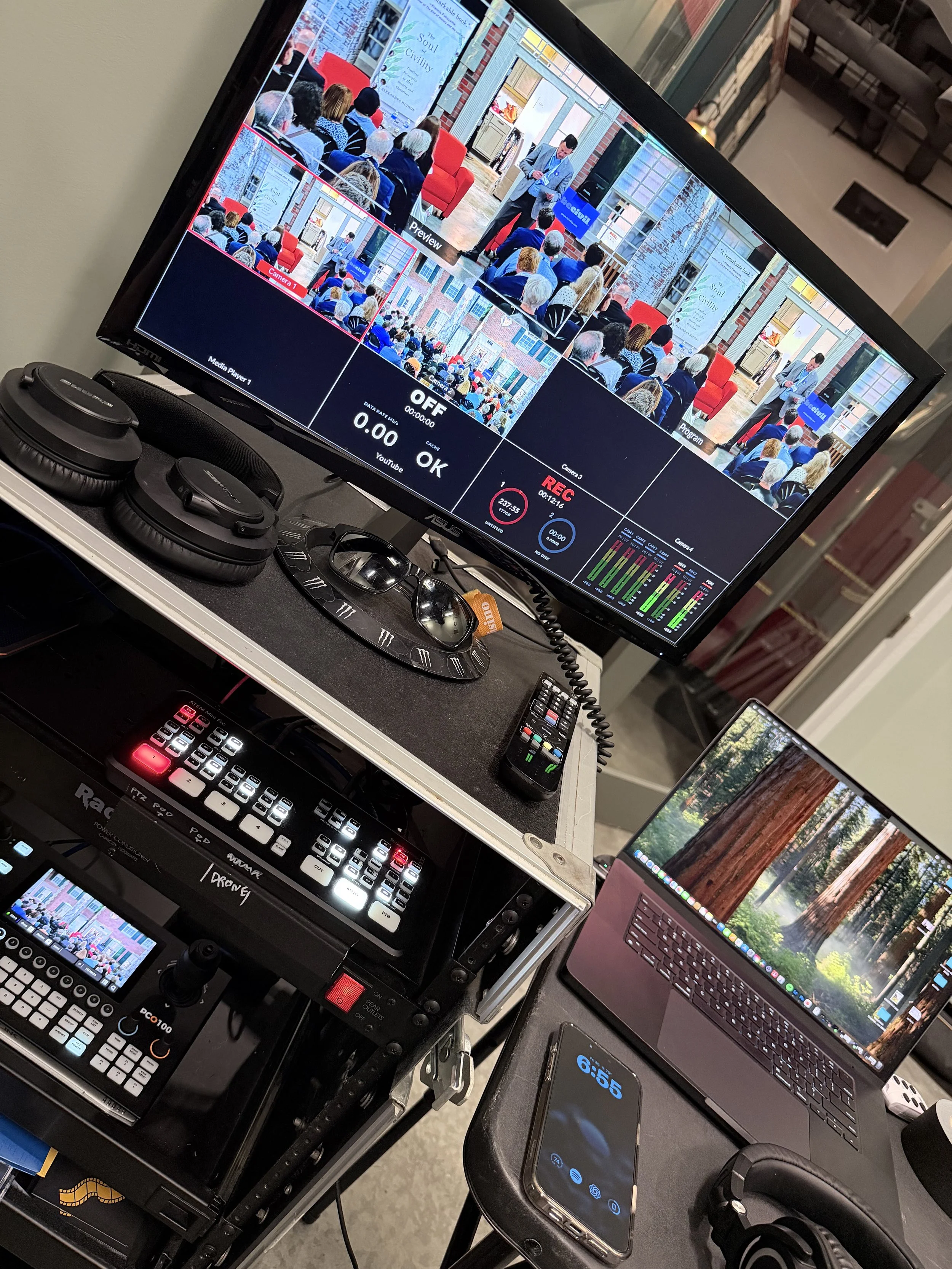
End-to-end corporate live stream production — from network infrastructure and encoding configuration to multi-camera switching and broadcast management. Every event handled as a complete technical production, not just a stream.
Event typeCorporate events
ScopeEnd-to-end production
InvolvementNetwork · AV · Broadcast
OutputLive broadcast + recording
End-to-End
Full production scope
Live
Broadcast + recording
Corp
Corporate clients
Zero
Broadcast failures
From the floor
LIVE
+1 more
Overview
What end-to-end production actually means
Most live stream setups are just a laptop and a webcam pointed at a stage. Corporate events deserve better — and the difference between a clean professional broadcast and a choppy, unreliable stream comes down to every layer of the technical stack being handled properly.
My involvement covers everything from the network infrastructure that the stream runs on, through the capture and encoding chain, to the switching and broadcast software managing the live output. One person owning the whole signal chain means no finger-pointing when something goes wrong — and fewer things go wrong.
Signal chain
How the production flows
End-to-end signal flow — corporate live production
Cameras
Multi-angle capture
→
HDMI/SDI
Capture Cards
Signal digitization
→
USB/PCIe
OBS / vMix
Switching & encoding
→
RTMP
Network
Dedicated uplink
→
Stream
Broadcast
Live + recorded
Scope of work
What gets handled at every event
Camera & AV
Multi-camera placement and angle planning for the venue
Camera configuration — exposure, white balance, focus
Audio capture — room mics, presenter lapels, line-in from PA
HDMI/SDI signal routing to capture hardware
Monitor feeds for presenter confidence displays
Encoding & Switching
OBS / vMix scene configuration for the event layout
Bitrate and codec settings tuned to available uplink
Live switching between camera angles and slides
Lower thirds, graphics, and on-screen elements
Local recording as backup independent of stream
Network Infrastructure
Dedicated stream uplink — never sharing event WiFi
Wired ethernet run to encoding station where possible
Bandwidth testing and buffer management pre-show
Backup connectivity plan (4G/5G failover) for critical events
QoS configuration to prioritize stream traffic
Day-of Management
Full technical rehearsal and sound check before doors open
Stream health monitoring throughout the event
Real-time troubleshooting if anything drops or degrades
Coordination with event staff and presenters on cues
Post-event recording export and delivery
Process
From brief to broadcast
STEP 01
Event brief
Understand the event format, venue, audience size, and broadcast destination. Is it YouTube Live, a private platform, or internal broadcast? That changes the setup.
STEP 02
Venue assessment
Walk the space before the event day. Camera positions, power runs, network access points, and PA routing all mapped out in advance.
STEP 03
Equipment prep
Gear tested and configured before arriving on site — no first-boot troubleshooting at the event. Backup equipment packed for critical components.
STEP 04
Setup & rehearsal
Full rig assembled, scene layouts configured, and a complete run-through done before the event starts. Every transition and camera cut tested.
STEP 05
Live broadcast
Stream managed from start to finish — switching cameras, monitoring health metrics, adjusting audio, and maintaining clean broadcast output throughout.
STEP 06
Post-event delivery
Local recording exported, cleaned up if needed, and delivered. Stream VOD links confirmed. Event recap provided if required.
Tech stack
Tools & equipment
OBS Studio
Encoding & switching
Multi-camera
Video capture
Dedicated Network
Stream uplink
Audio Mixing
Live sound capture
Capture Cards
HDMI/SDI digitization
Stream Monitoring
Health & bitrate tracking
Outcomes
Results
Zero broadcast failures
Every event delivered a clean, uninterrupted live stream from start to finish — no dropped feeds, no emergency restarts mid-event.
Professional output
Multi-camera production with proper switching, graphics, and audio — broadcast quality that matches the professionalism of the event itself.
Local recording delivered
Every event captured locally as a backup and delivered as a clean recording — giving clients both a live broadcast and an archive copy.
Network reliability
Dedicated uplink infrastructure means stream quality is never at the mercy of venue WiFi or shared event network bandwidth.
Single point of ownership
One person owning network, AV, encoding, and broadcast means faster problem-solving and no gaps between disciplines.
Client confidence
Clients run their event knowing the technical side is handled — no last-minute scrambles, no "can someone fix the stream?" moments.
Have a corporate event to stream?
Whether it's a conference, town hall, product launch, or internal broadcast — get in touch and let's talk about what your event needs.